

AI for Aged Care Rostering — Smart Shift Coverage & Worker Communication
ExpertEase AI handles aged care rostering via voice and chat — receiving support worker shift requests, checking availability in Sandwai, managing cover gaps, and notifying the right people, all without a rostering coordinator picking up the phone. Available 24/7. Deployed in 60 seconds. 100% Australian data residency.
- 100% Australian Data Residency
- Deploy in 60 Seconds
- 24/7 Voice Coverage
- Sandwai & HCP-Ready
What Is AI for Aged Care Rostering?
Support worker rostering is one of the most operationally demanding functions in aged care. Shift changes, cancellations, no-shows, cover gap requests, and availability updates generate a constant stream of inbound calls and messages — most of which have predictable, repeatable answers that do not require a rostering coordinator’s direct involvement.
AI for aged care rostering intercepts this stream. ExpertEase AI receives inbound support worker calls and messages, checks availability and shift records in Sandwai in real time, processes routine changes automatically, and escalates only the situations that genuinely require a human decision — a complex cover gap, a client preference conflict, or an urgent welfare concern.
Your rostering coordinators stop fielding routine shift calls. They start managing the situations that actually need their expertise.
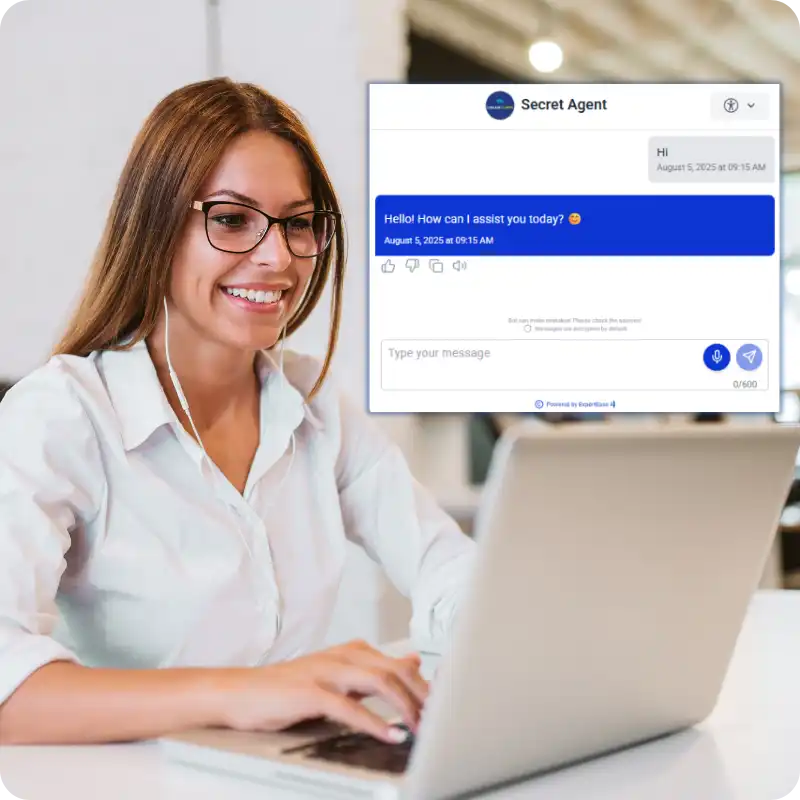
Aged Care Rostering Automation That Actually Works
24/7 Shift Change Handling
Support workers call or message at any hour to report a change — illness, late notice, swap request. ExpertEase AI receives the request, checks the Sandwai roster, processes routine changes automatically, and alerts coordinators only for situations requiring a judgement call.
Cover Gap Management
AI shift coverage aged care means cover gaps are identified and fill requests sent automatically. When a shift is cancelled, ExpertEase AI checks available workers in Sandwai, sends targeted fill requests, and updates the roster when a worker accepts — without coordinator involvement for standard coverage situations.
Client Preference Matching
Support worker scheduling AI maintains client preference records in Sandwai and applies them when assigning cover. Preferred workers are contacted first. Clients with specific requirements are flagged for coordinator review. Preferences respected automatically, every time.
What Your Aged Care Rostering AI Can Handle
- Inbound shift change requests via phone, WhatsApp, or SMS — processed and logged automatically
- Availability checks against Sandwai rostering records in real time
- Cover gap identification and automatic fill request sequences
- Client preference matching when assigning cover shifts
- No-show alerts — triggered automatically when workers do not confirm or arrive
- Shift confirmation communications to workers and clients via SMS or WhatsApp
- Escalation to rostering coordinator for complex cover situations or client welfare flags
- All rostering actions logged to Sandwai with full timestamp audit trail

How ExpertEase AI Handles Aged Care Rostering
Step 1 — Worker Makes Contact
A support worker calls or messages to report a change. ExpertEase AI receives the request via phone, WhatsApp, or SMS — 24/7, whatever the hour.
Step 2 — AI Checks Sandwai in Real Time
The AI queries Sandwai for the worker’s upcoming shifts, the affected client’s preferences, and available cover workers — all in real time during the conversation.
Step 3 — AI Processes or Escalates
Routine changes are processed automatically — roster updated in Sandwai, confirmations sent, coordinator notified. Complex situations are escalated immediately with a full summary.
Step 4 — All Parties Confirmed
The affected client receives a communication about the change. The replacement worker receives shift details. The rostering coordinator receives a summary of everything the AI handled — and a list of only the items requiring their input
Aged Care Rostering Scenarios ExpertEase AI Handles
Sick Leave & Late Cancellations
Worker calls in sick — AI receives the notification, checks Sandwai, initiates cover sequence, and updates the roster. Coordinator alerted only if cover cannot be filled automatically.
Shift Swap Requests
Worker requests a shift swap — AI checks both workers’ schedules in Sandwai, confirms availability, processes the swap, and notifies both parties.
No-Show Management
When a worker does not confirm or arrive, AI triggers the no-show protocol — cover gap alert, client notification, coordinator escalation — automatically.
Availability Updates
Workers update their availability via WhatsApp or SMS — AI records in Sandwai and factors into future roster generation automatically.
Client Preference Conflicts
When a preferred worker is unavailable, AI checks secondary preferences, proposes the best available option, and flags non-standard situations for coordinator review.
After-Hours Rostering
Weekend and overnight shift changes are handled by AI automatically — no on-call rostering coordinator required for routine coverage situations.
Australian-Hosted AI — Built for Aged Care Rostering Compliance
Support worker rostering data — including worker availability, client preferences, shift records, and change logs — is processed and stored on Microsoft Azure Australia East. Nothing leaves Australian jurisdiction.
ExpertEase AI is IRAP-aligned and Privacy Act 1988 compliant. Every rostering action is logged with a full audit trail — supporting your obligations under the Aged Care Quality and Safety Commission and your duty of care to clients.
Why Aged Care Providers Choose ExpertEase AI for Rostering
Executes, Does Not Just Notify
ExpertEase AI does not just send an alert when a shift changes. It processes the change in Sandwai, finds cover, communicates with all parties, and updates the roster — automatically.
Deep Sandwai Integration
Live bidirectional Sandwai integration means every rostering action is reflected in real time — shift records, availability, client preferences, and audit logs all updated automatically.
Speak-to-Deploy
Describe your rostering workflow in plain English. ExpertEase AI configures and deploys it in 60 seconds. No developers, no complex setup.
24/7 Coverage Without On-Call Coordinators
After-hours and weekend rostering is handled by AI — your coordinators are only contacted when a situation genuinely requires their judgement.
AI for Aged Care Rostering — Your Questions Answered
Can the AI really handle shift changes without a coordinator?
For routine situations — yes. Sick leave, shift swaps, availability updates, and standard cover gap fills are handled end-to-end by ExpertEase AI in Sandwai. Coordinators are only involved when a situation is complex, involves a client welfare consideration, or cannot be resolved automatically.
How does it integrate with Sandwai for rostering?
Sandwai rostering integration is native and bidirectional. ExpertEase AI reads current shift records, worker availability, and client preferences from Sandwai in real time — and writes every change back to Sandwai immediately. No manual sync required.
What happens with a no-show situation?
When a worker does not confirm or arrive at the expected time, ExpertEase AI triggers your configured no-show protocol automatically — client notification, cover gap alert, coordinator escalation with full shift context, and incident log creation in Sandwai.
Can support workers report changes via WhatsApp?
Yes. Workers can contact your rostering AI via phone, WhatsApp, or SMS — whichever they prefer. The AI processes the request the same way regardless of channel, updating Sandwai and notifying relevant parties automatically.
Is after-hours rostering fully automated?
Yes. ExpertEase AI handles routine after-hours and weekend shift changes automatically — no on-call rostering coordinator required for standard coverage situations. Complex situations or those involving client welfare are escalated to your on-call coordinator with full context already prepared.
Give Your Rostering Coordinators Back Their Day
ExpertEase AI for aged care rostering handles the shift changes, cover gaps, and worker communications automatically — 24/7, in Sandwai, without coordinator involvement for routine situations. Start free today.